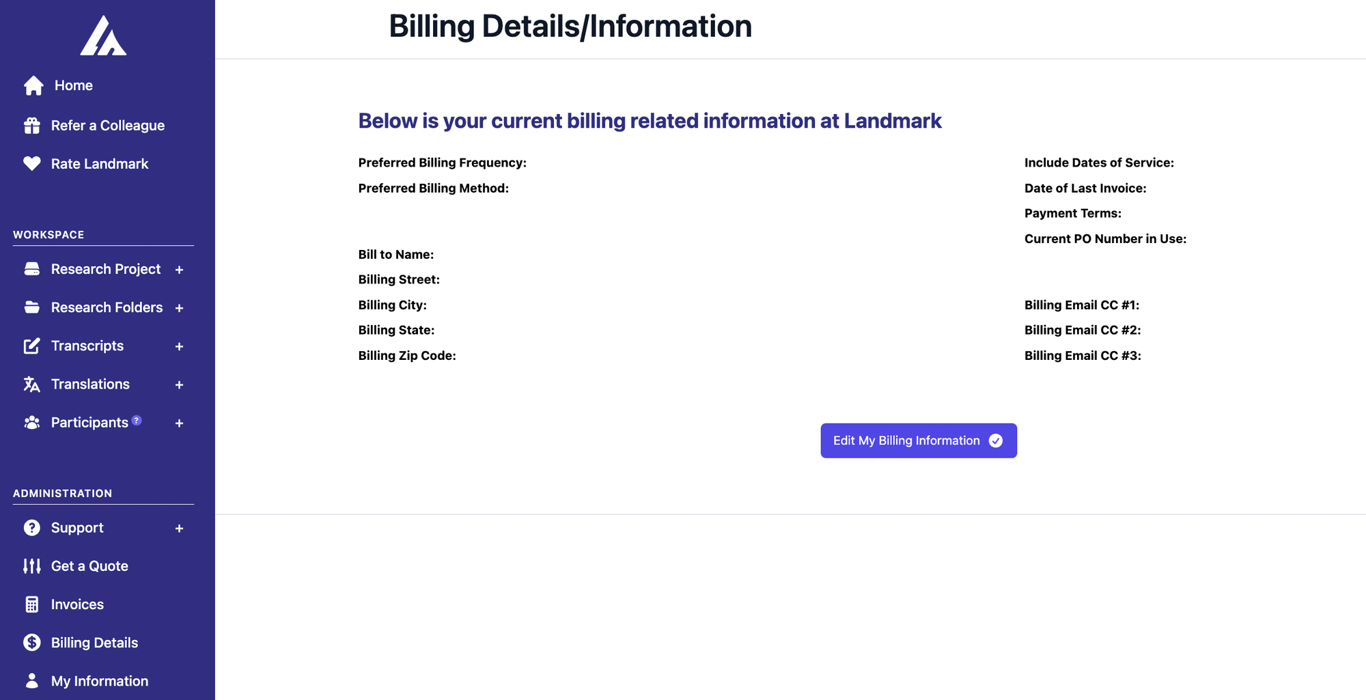
Billing Management
How can I manage my billing details?
Your billing information is key to ensuring a smooth and uninterrupted experience with our services. To review or update your billing details, please follow the steps below.
1. Locate your billing details
- • Find the 'Administration section': Its's located on the left-hand side of your screen.
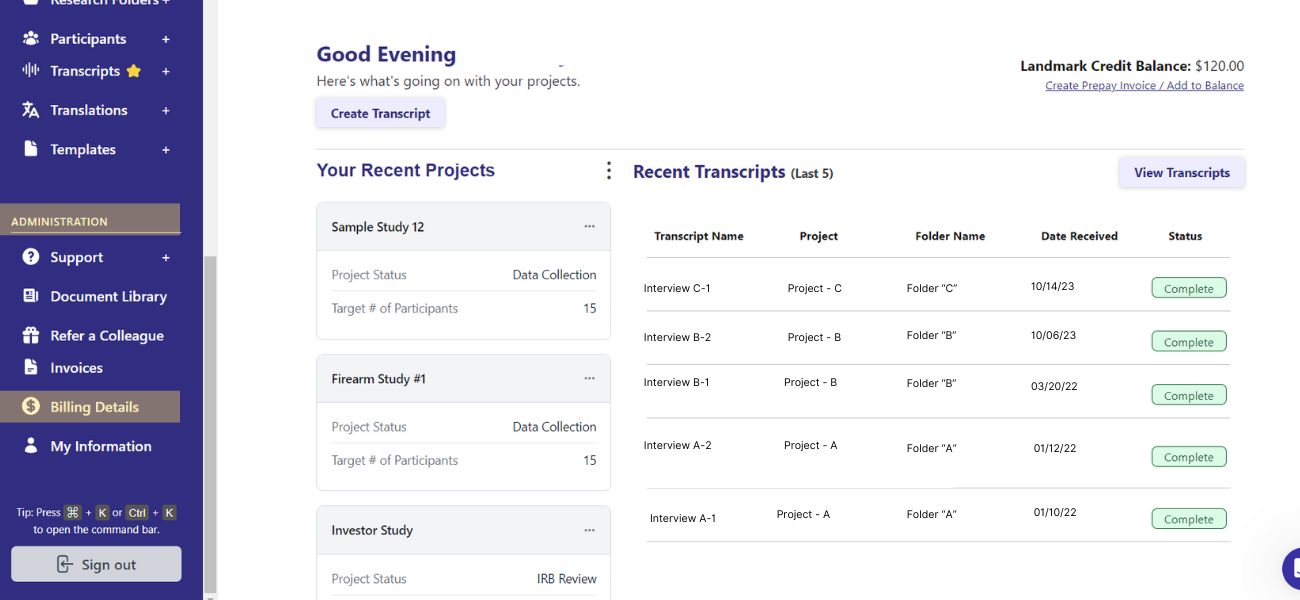
2. Review your current Billing Information
- • Review Billing Information: On the 'Billing Details' page, you can view all your billing-related information.
- • Verify Notifications: Check the email addresses listed under 'Billing Email CC' to ensure all relevant team members receive billing updates.
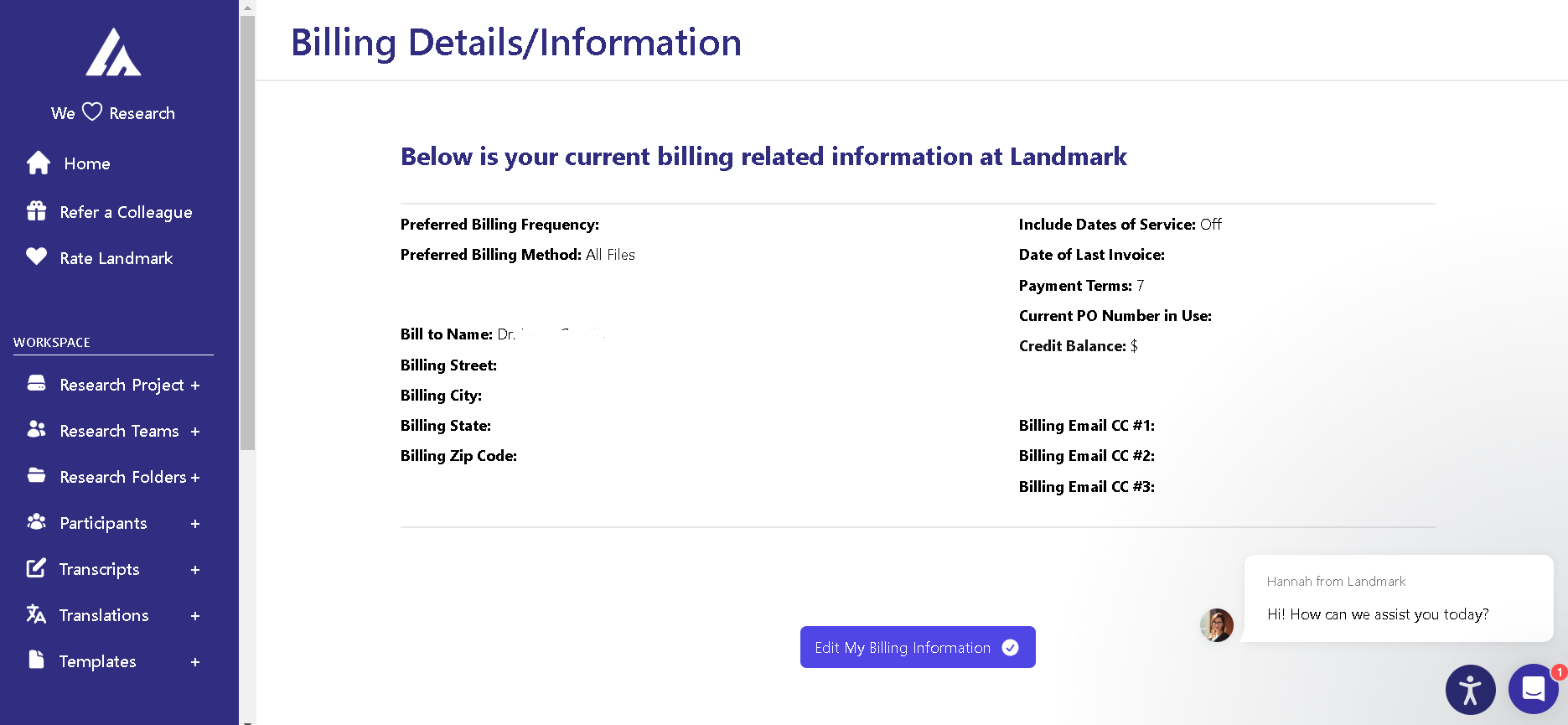
3. Edit your Billing Information
- • Confirm Accuracy: After making the necessary changes, double-check that all the information you've entered is accurate and complete.
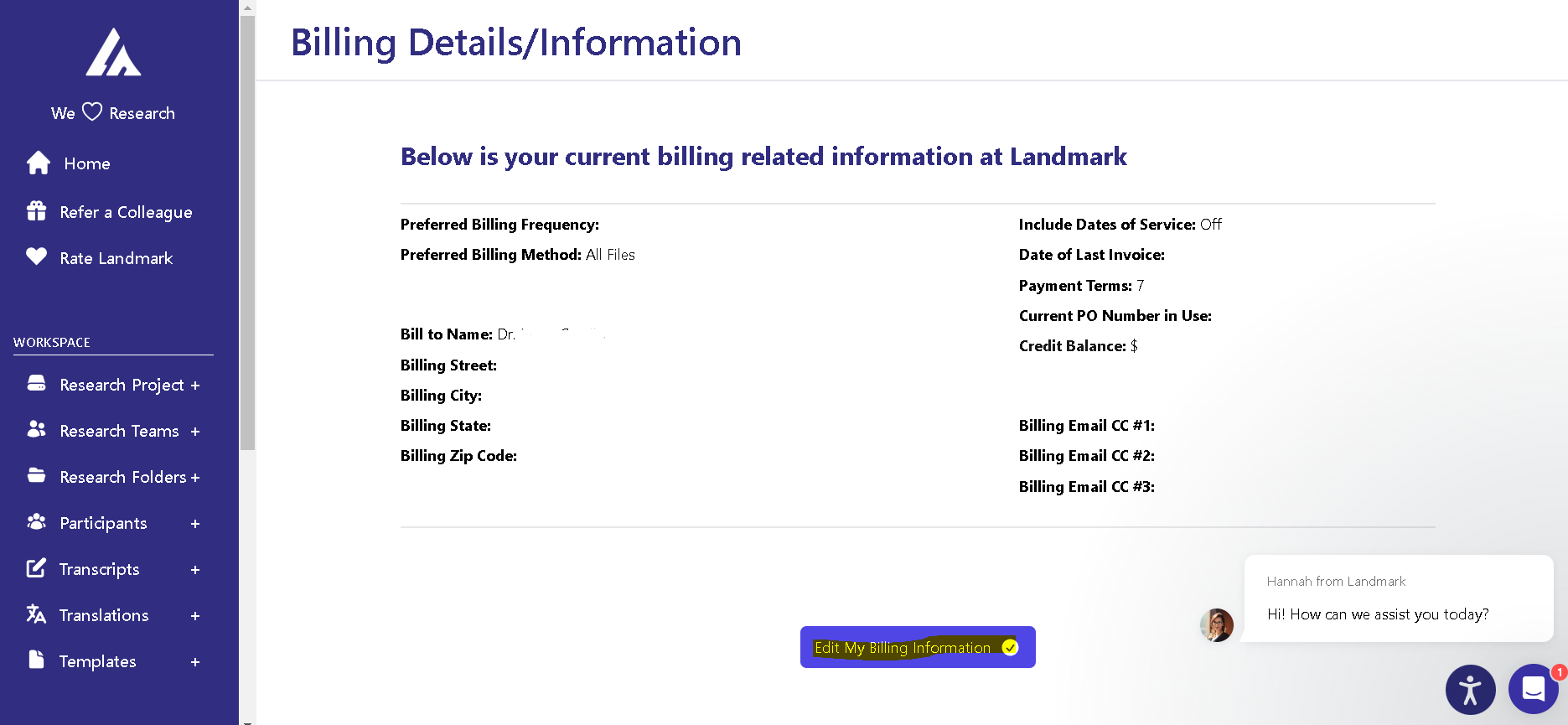
4. Save the Updated Information
- • Confirm Accuracy: After making the necessary changes, double-check to ensure all information is correct.
- • Save Changes: Click the save button to apply and save your updated billing details.